In this article
- Write a short list of essential devices.
- A UPS bridges an interruption.
- Measure before scaling up.
- Test the complete charging chain.
- Match the device to the kind of backup
- Two households, two different purchases
- Use a compatibility sheet before checkout
Source-based guide created with AI assistance. Calculations are illustrative; equipment selections are researched, not hands-on tests. How we work.
Write a short list of essential devices.
Start with the things you need to do: charge a phone, keep a network connection working, or operate a particular plug-in appliance. List the devices, their connectors and how long you need each one. The familiar USB power bank may cover the first job; it does not automatically cover the others. This list also helps you avoid buying a large battery for equipment you would not actually prioritize.
A UPS bridges an interruption.
A compatible uninterruptible power supply can keep selected equipment running briefly when mains power drops. Check the model’s runtime chart at your actual load and identify its battery-backed outlets; surge-only outlets do not provide backup energy. A powered modem and router still depend on the internet provider’s infrastructure. Do not present router backup as a guarantee that home internet will remain available.
Measure before scaling up.
For compatible plug-in equipment, an electricity meter can help you observe consumption before choosing a larger power station. Check the meter’s ratings first. Appliances that cycle need observation over time; one instantaneous watt reading is not the same as daily energy use. The battery runtime calculator is a planning aid. Check a station’s continuous output, starting surge and exact device compatibility separately.
Test the complete charging chain.
A spare cable is only useful if it fits both ends and supports the needed charging mode. Try the exact phone, cable and power source together before packing them. Label the tested set so someone else can use it. Keep medically essential equipment on a separate contingency plan developed with its supplier or clinician; a general shopping list cannot establish suitability for those needs.
Match the device to the kind of backup
Start by writing the connector beside each essential device. USB-C, an ordinary household AC plug and a barrel-shaped DC connector are not interchangeable just because they all carry electricity. The right choice is the smallest setup that supplies the correct output for the required period, with enough margin for uncertainty.
| Category | Good starting use | Check before buying |
|---|---|---|
| USB power bank | Phone, small USB light or other compatible USB device | Required charging protocol, output per port and shared output |
| UPS | Brief continuity or orderly shutdown for compatible equipment | Battery-backed outlets, transfer behavior and runtime at the actual load |
| Power station | Longer energy storage or supported AC loads | Wh capacity, continuous W, starting demand and output compatibility |
A larger power station is not automatically a UPS. If uninterrupted operation matters, verify the specific model’s transfer behavior and the device manufacturer’s requirements. Conversely, a UPS advertised in volt-amperes is not promising that many watt-hours of energy. Read its watt limit and load-dependent runtime chart separately.
Two households, two different purchases
Household A needs phone charging and a USB light through an evening. It already owns a working power bank. Its missing item might be a second tested cable, not an AC power station. The useful test is whether the actual bank, cable and phone charge together at an acceptable rate, including when another port is occupied.
Household B wants its modem and router to operate for six hours. In an illustrative calculation, a combined measured load of 20 W would use 120 Wh over that period. A source delivering only 90 Wh to those devices would last about 4.5 hours under the same simplified assumptions. Neither value is a specification for the linked UPS. Use its manufacturer runtime chart and test the actual equipment; the internet provider may still lose service.
If Household B also adds an AC appliance, revisit both energy capacity and output limits. Having enough energy for the day does not prove the inverter can start the appliance. Do not keep expanding the shopping basket until every household circuit appears covered; decide which tasks are genuinely necessary and which can wait.
Use a compatibility sheet before checkout
- Exact device model and input requirements, including voltage and connector.
- Measured or documented operating load and any starting demand.
- Hours needed and whether brief interruption is acceptable.
- Required output on the backup source, including each occupied port.
- A recharge method you can realistically use during the disruption.
- Weight, storage location, warranty and the replacement or service arrangements.
Check the current manufacturer documentation for the exact regional model. A plug adapter cannot establish electrical compatibility. For the energy arithmetic, continue to the battery-budget worksheet and use the runtime calculator with your own assumptions. For life-supporting or other medically essential equipment, involve its supplier or clinical team and plan an alternate destination; a general calculator cannot validate that use.
PUT THE IDEA TO WORK
Equipment to research.
Start with what you already own. These examples cover different roles; you do not need every item. Selections are researched, not hands-on reviews.
As an Amazon Associate I earn from qualifying purchases. We may receive a commission when you buy through these Amazon links. Links open equipment searches on Amazon US; compare actual listing photos, features and sellers.
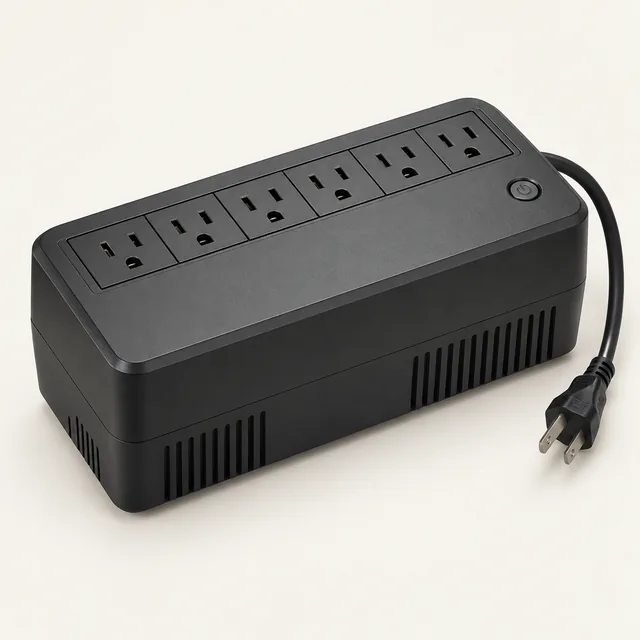 AI illustration · equipment type
Compact network backup UPS
Bridge a short interruption for compatible networking or computer equipment.
Check the fit
Keeping your router powered cannot restore a failed internet provider. Not a whole-home backup.
We may earn a commission.
Equipment search · Amazon US
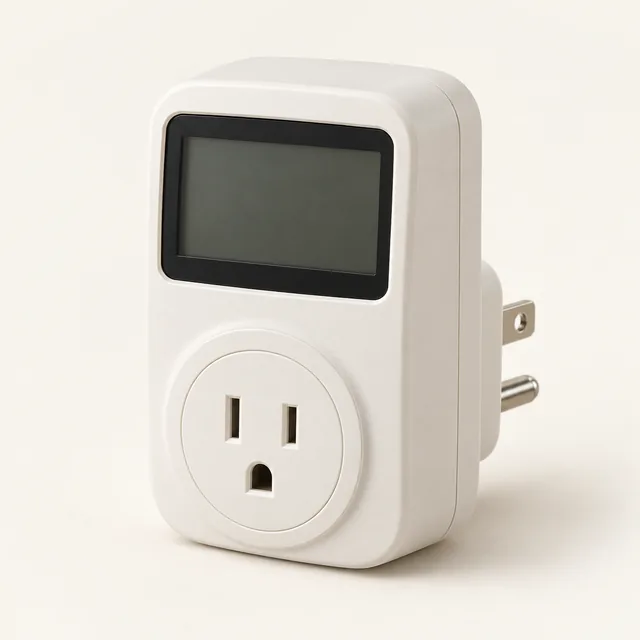 AI illustration · equipment type
Plug-in energy meter
Measure compatible plug-in loads before choosing backup battery capacity.
Check the fit
Not for hardwired equipment, wet locations or loads beyond its rating; readings do not establish startup compatibility.
We may earn a commission.
Equipment search · Amazon US
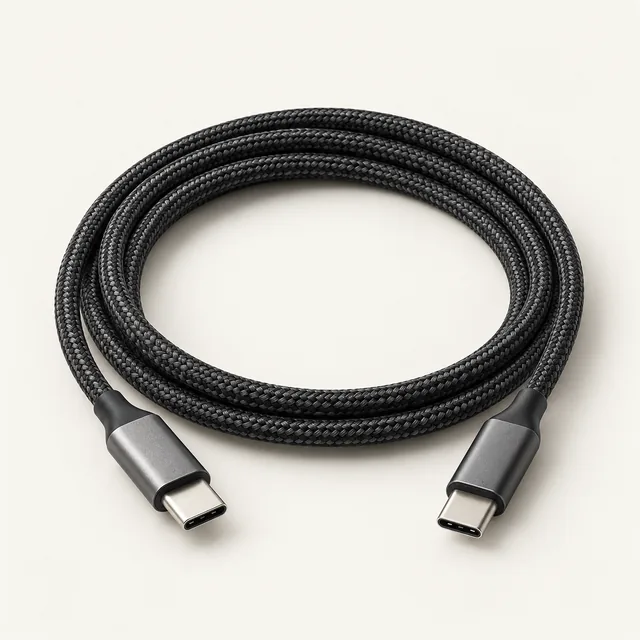 AI illustration · equipment type
Spare USB-C charging cable
Keep a tested cable beside a compatible phone, charger and power bank.
Check the fit
A cable cannot add power your charger does not provide; USB-C shape alone does not guarantee compatibility.
We may earn a commission.
Equipment search · Amazon US
Sources & further reading
Editorial guidance, not a local emergency warning. Follow your national and local authorities.